






Description
Turbo Booster: Fast Memory Cleaner for Android
Overview
Turbo Booster is a desktop-style utility designed for Android devices, aiming to enhance system performance through memory optimization. The primary purpose of the software is to free up storage space and improve device responsiveness by removing residual files, clearing background processes, and identifying unused applications. It targets users seeking a straightforward solution to maintain their Android phone’s speed and efficiency, particularly those who experience slowdowns due to accumulated cache or unused apps. While the developer is not specified in the provided details, the app functions as a standalone tool that operates directly on the device without requiring external dependencies. Real-world usage scenarios include users managing multiple apps, frequent game players, or individuals who install third-party APKs and need regular cleanup. The app delivers results through a single-tap interface, making it accessible even to non-technical users. After each cleaning session, Turbo Booster generates a report showing the amount of memory recovered, offering tangible feedback on performance improvements. The software supports automatic cleaning schedules and includes a notification shortcut for quick access. Despite its simplicity, the app’s effectiveness depends on the device’s current state and the volume of unnecessary files present.
Key Features & Capabilities
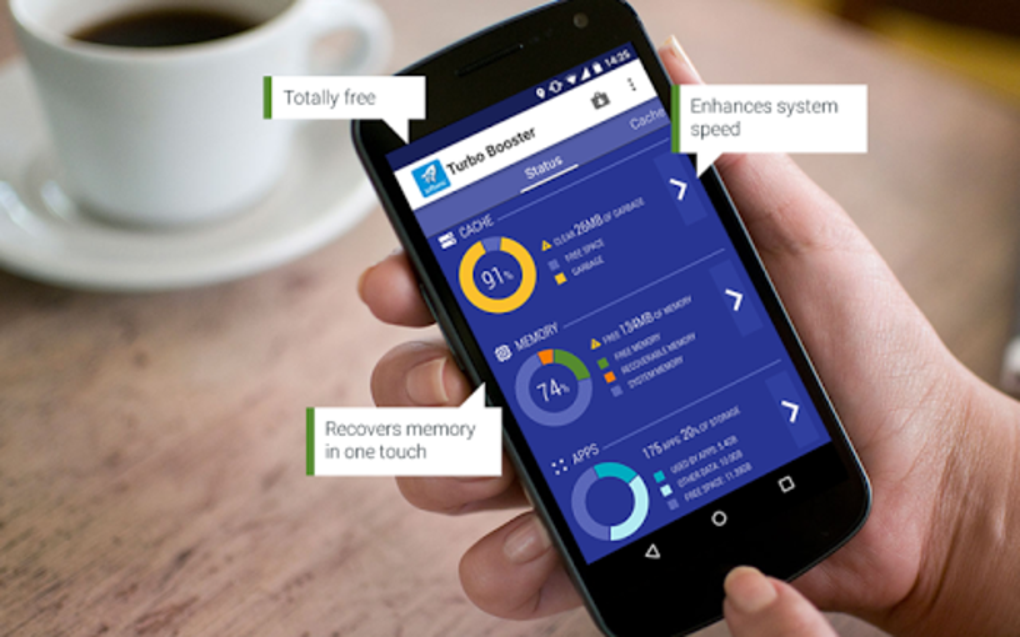
- Residual File Cleanup: Scans the system for leftover cache and temporary files from uninstalled apps or system operations, then removes them to free up storage space.
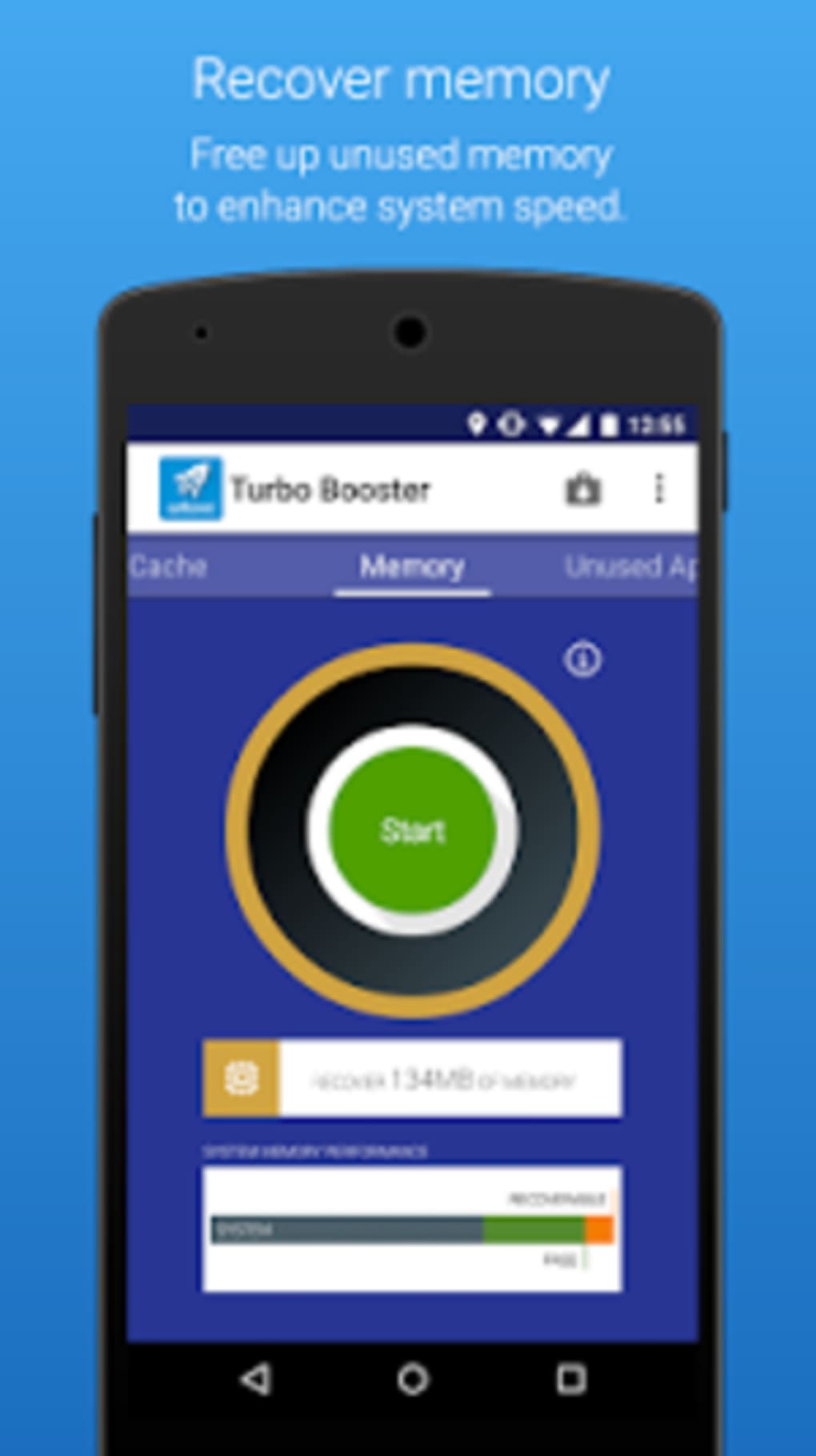
- RAM Optimization: Identifies and stops background processes that are no longer needed, helping to reduce memory load and improve app launch speed.
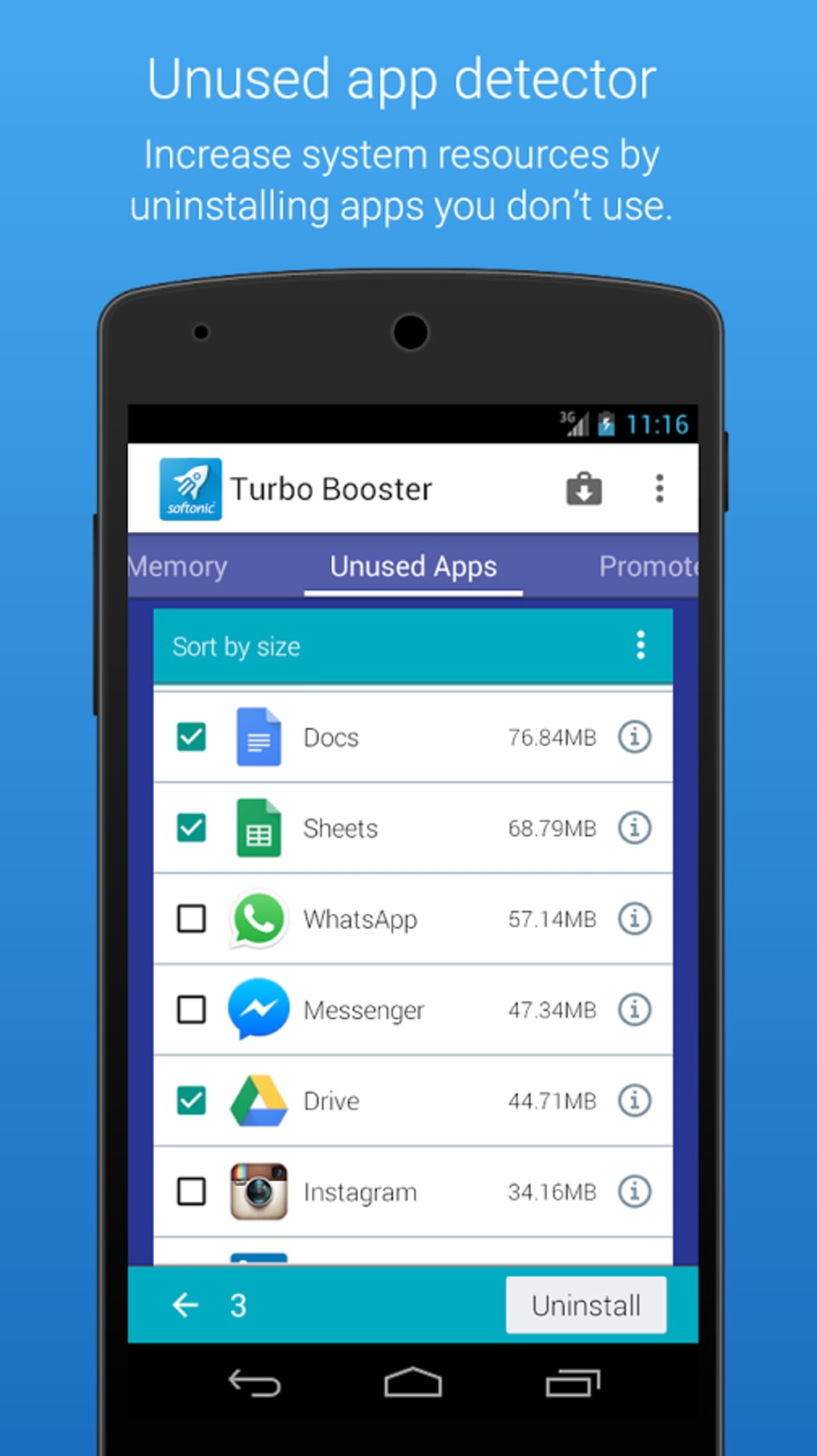
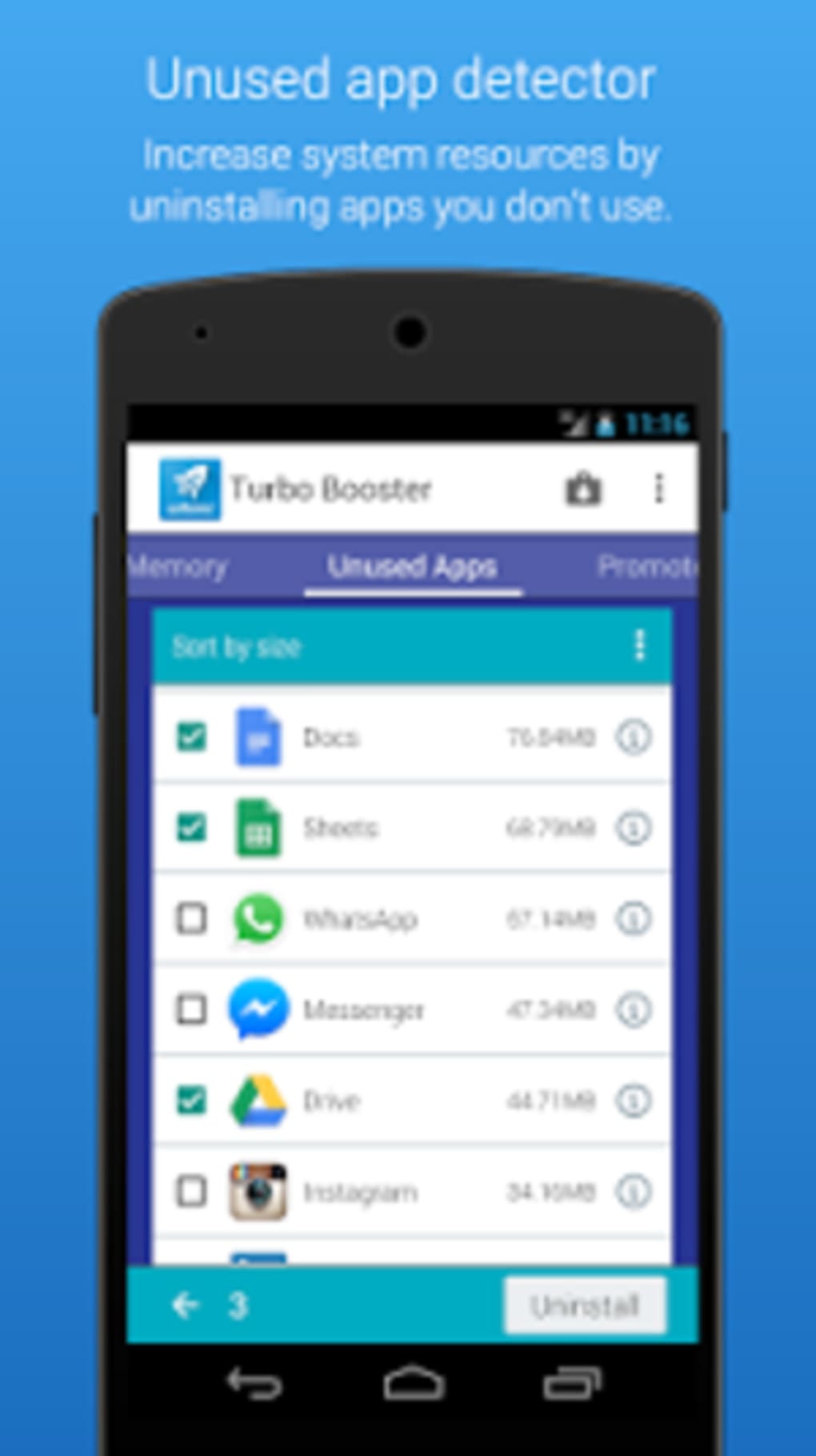
- Unused App Detection: Analyzes app usage patterns and generates a list of infrequently used applications, allowing users to uninstall them with one tap.
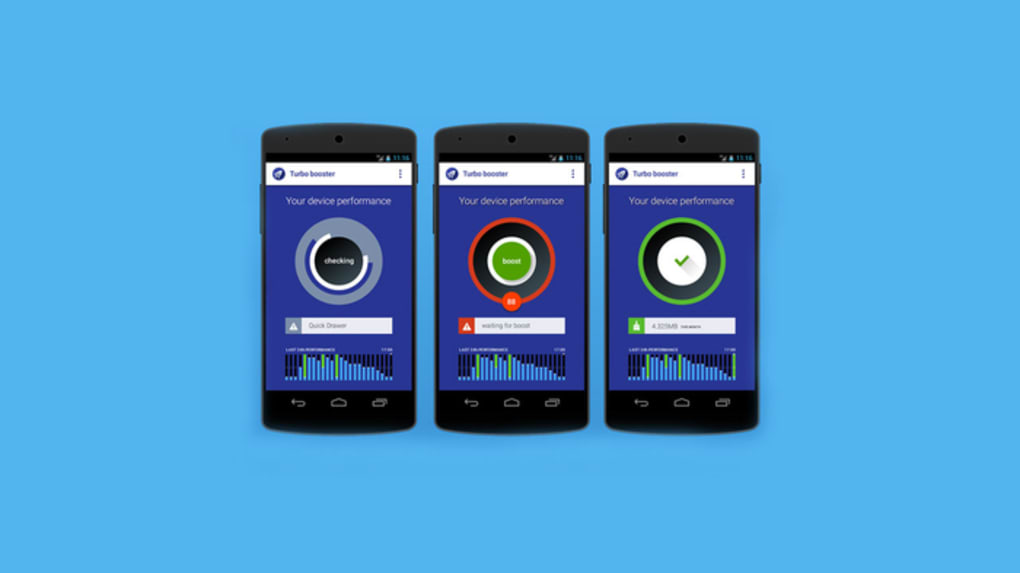
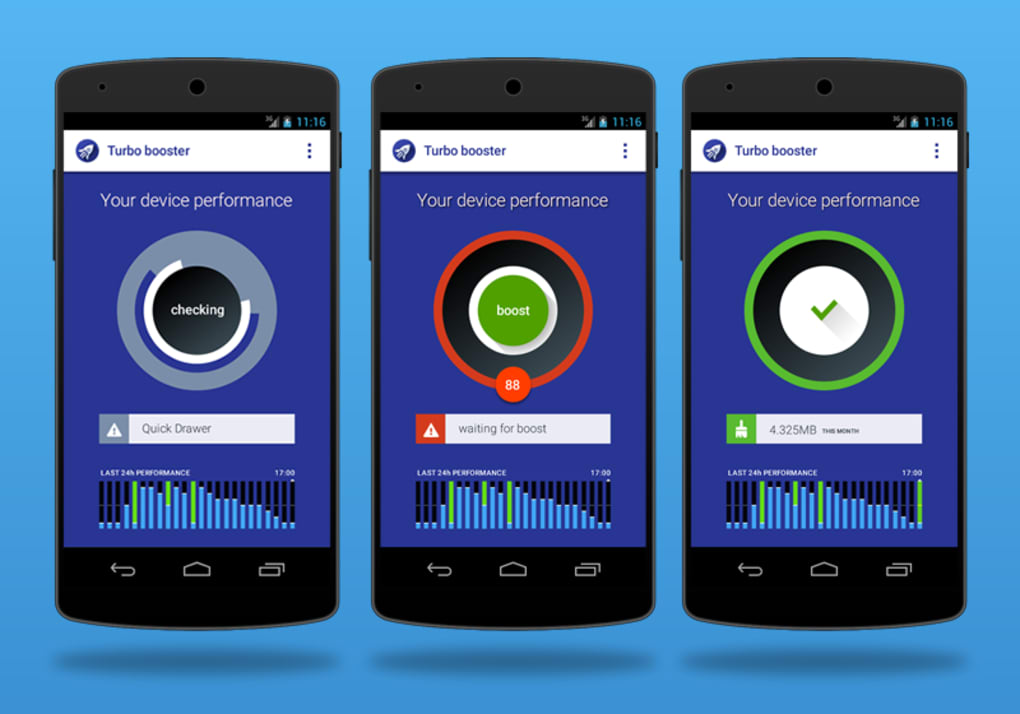
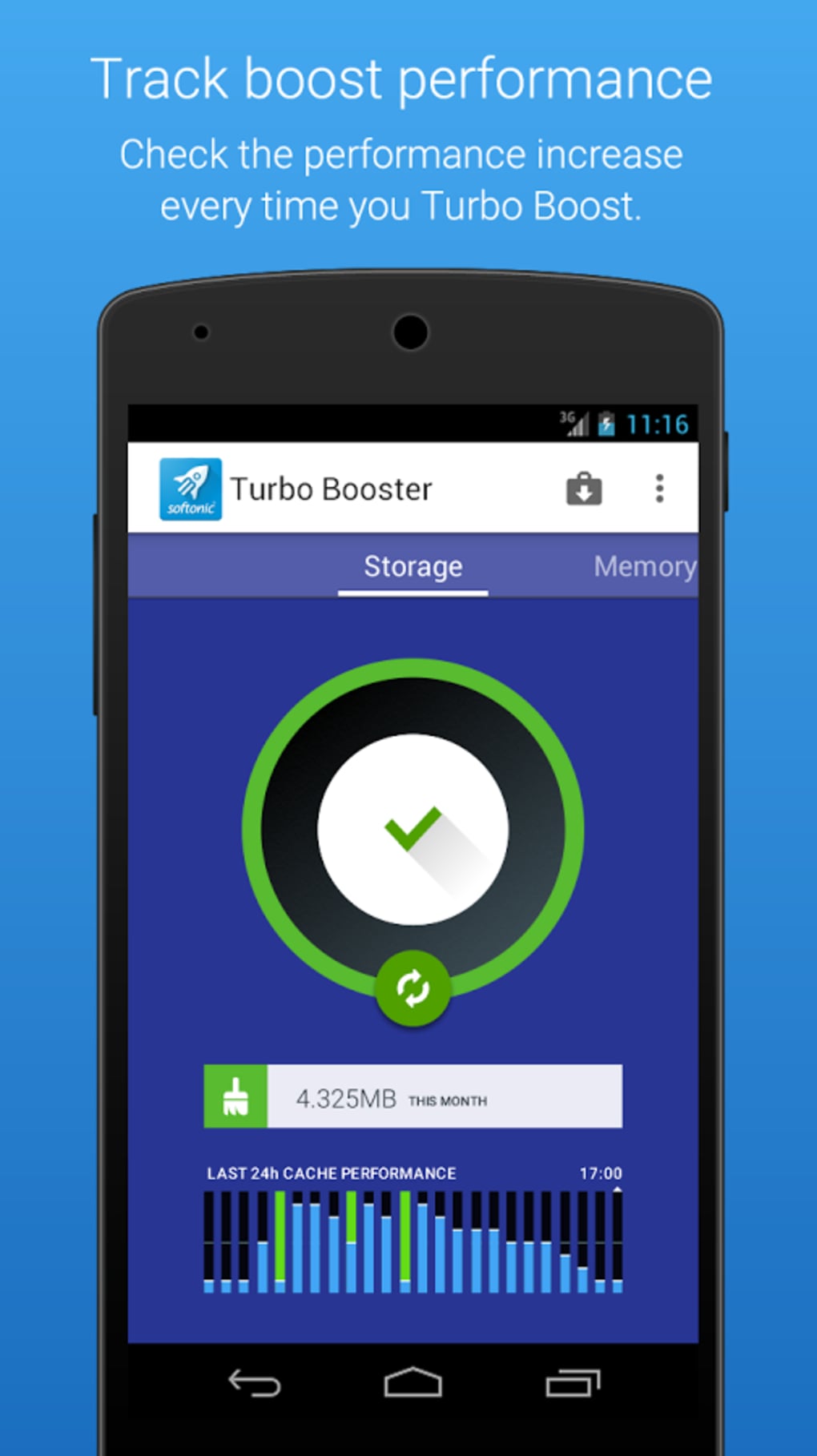
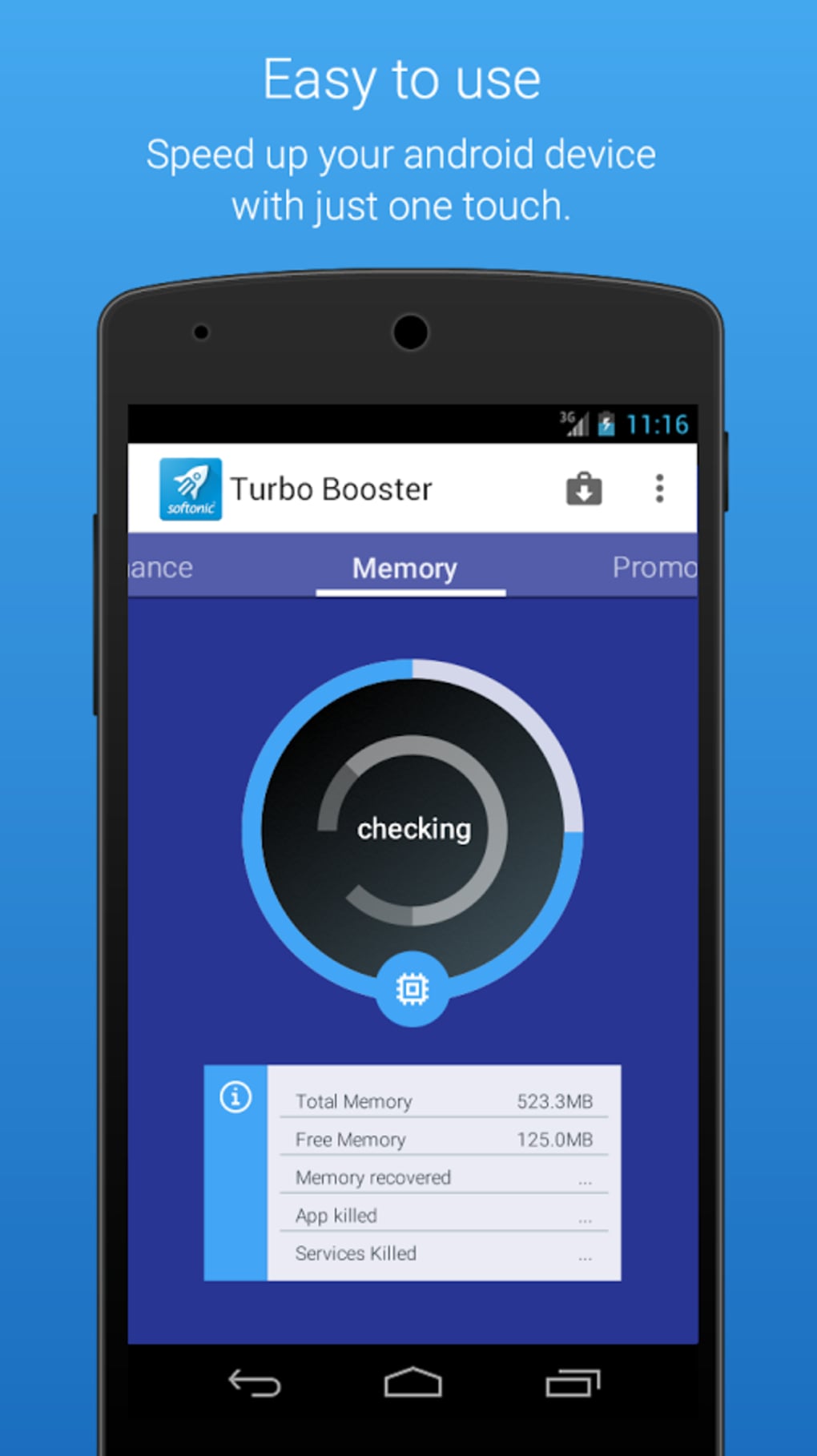
- Performance Report: Provides a visual summary after each cleaning session, displaying the amount of memory recovered and the overall impact on device performance.
- Automated Cleaning: Offers scheduled cleanups to maintain consistent performance without manual intervention.
- Notification Shortcut: Allows users to launch the cleaning process directly from the notification shade for instant access.
These features are particularly useful for users managing memory-heavy tasks such as gaming or multitasking. For example, a user who frequently plays graphics-intensive games can benefit from a cleared RAM and reduced cache buildup. Similarly, someone who downloads many apps from third-party sources can use the residual file scanner to prevent clutter. The automatic cleaning function helps maintain long-term performance, while the unused app detection assists in decluttering the device. The visual report adds transparency, helping users see the direct results of their actions. While the app lacks advanced customization options, its core functions are well-integrated and accessible through a minimal interface.
User Interface, Workflow & Performance
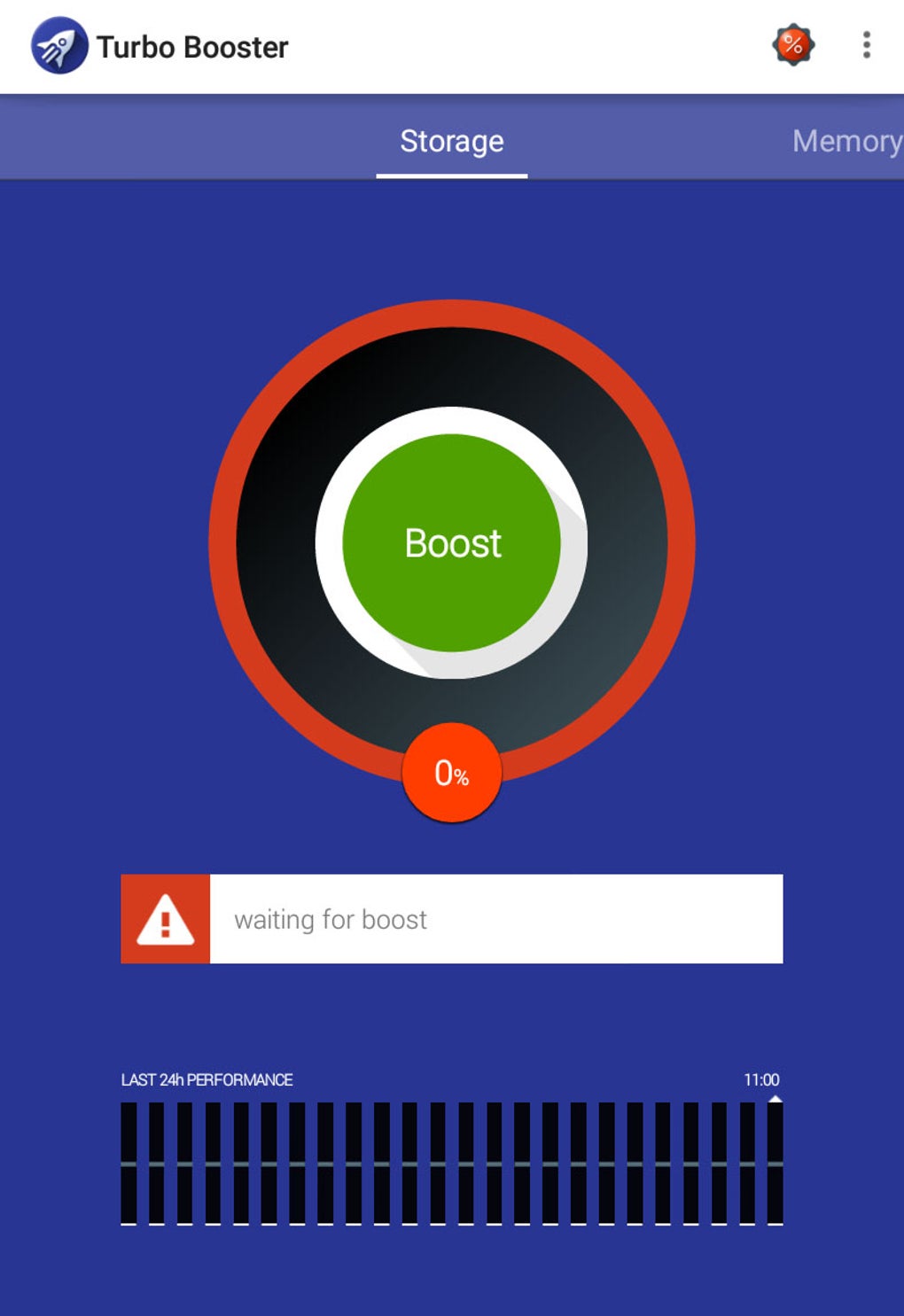
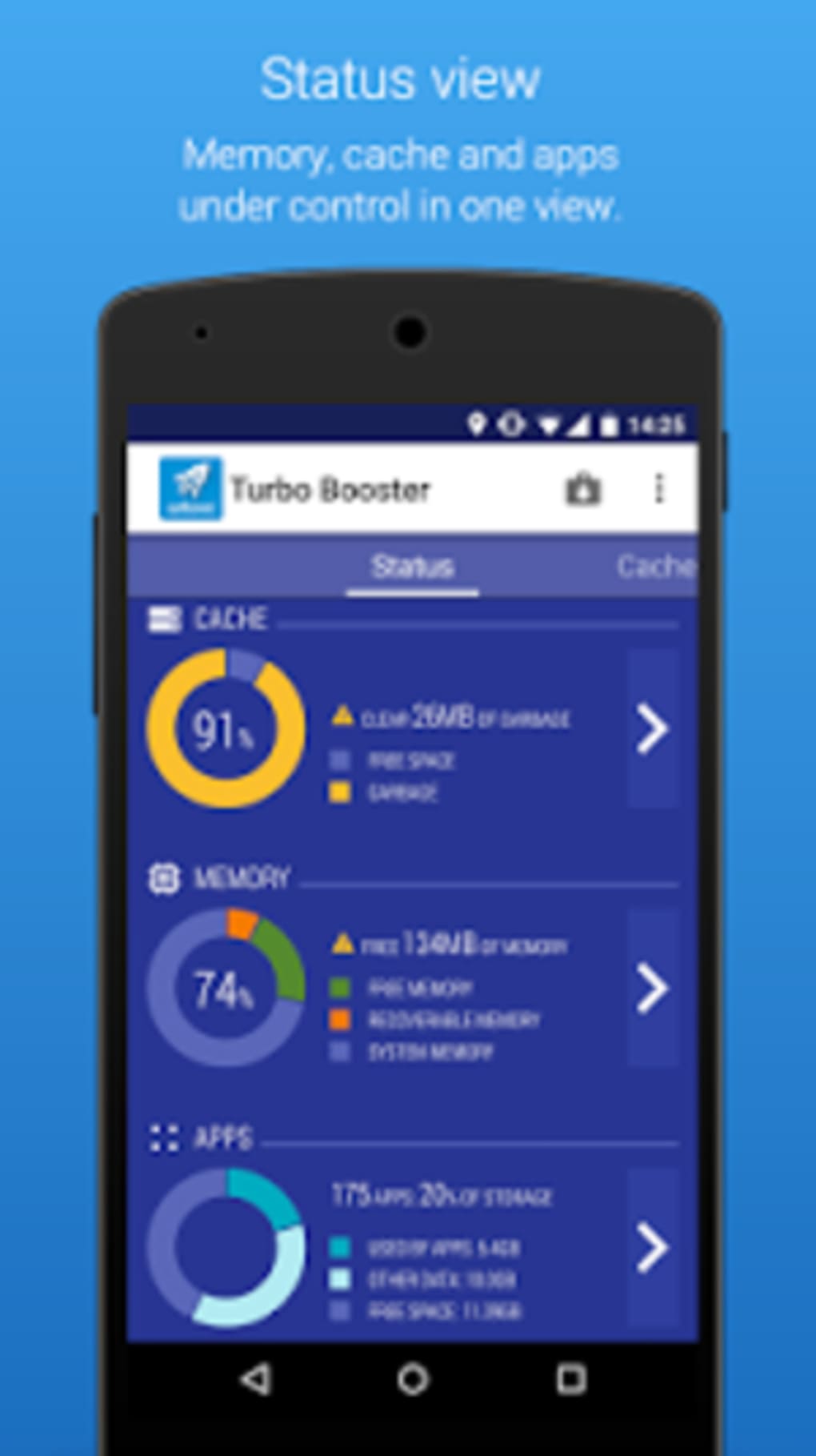
Turbo Booster features a minimalist user interface focused on central action buttons, minimizing visual distractions and prioritizing usability. Navigation is straightforward, relying entirely on touch interactions—each function is activated with a single tap. The layout emphasizes simplicity, with icons and labels clearly indicating the available actions. However, the developer did not provide additional details about the app’s resource usage, including CPU or RAM consumption during operation. Performance observations are based on general software behavior patterns for similar tools. The app completes cleaning tasks quickly, which aligns with its stated purpose of delivering fast results. Users may notice improved responsiveness after each session, especially when the device has accumulated significant cache. The absence of a detailed onboarding guide or tutorial might pose a challenge for less experienced users, though the one-tap workflow reduces the learning curve. Stability appears consistent across typical usage, though no specific information was provided regarding crash rates or background behavior. The app’s reliance on full-screen ads after each action may interrupt the user experience, but the cleaning process itself is executed without visible delays.
Compatibility & System Requirements
Turbo Booster is designed for Android devices, with the current version being 1.2.5 and a file size of 12.5 MB. The developer did not specify exact system requirements, including minimum Android version or hardware specifications. Compatibility information is limited to the platform, suggesting it is intended for most modern Android smartphones and tablets. Installation is lightweight, making it suitable for devices with limited storage. The app does not require root access to function, which enhances accessibility for average users. While the app is optimized for Android, the developer did not provide details about support for older or less common Android variants. No information was given about compatibility with wearables or other Android-based devices. Users should ensure their device meets standard Android operating system standards to avoid potential installation issues.
Pros and Cons
Pros
- Simple, one-tap interface ideal for non-technical users
- Provides a visual report showing memory recovery after cleaning
- Automated cleaning schedules help maintain consistent performance
- Lightweight installation at just 12.5 MB
- Supports quick access via notification shortcut
Cons
- Full-screen ads appear after every cleaning action
- Limited feedback for RAM cleanup and app removal functions
- No onboarding guide or educational content for new users
- Exact system requirements were not listed
- Ad-supported model may affect user experience
FAQ Section
Is Turbo Booster compatible with all Android devices?
Turbo Booster is designed for Android, but the developer did not specify minimum OS version or hardware requirements. Compatibility may vary depending on the device's configuration.
Is the app safe to use?
The app operates without requiring root access and functions as a standard utility. However, users should be cautious when uninstalling apps, as some may be essential to system stability.
Does Turbo Booster require an internet connection?
The core cleaning functions work offline. However, some features like automatic updates or ad delivery may require an internet connection.
Can I schedule automatic cleanups?
Yes, Turbo Booster includes an automated cleaning option that allows users to set regular cleanup intervals.
Is Turbo Booster free to download and use?
Yes, the software is free to download and use. However, it includes ads that appear after each cleaning action.
Final Thoughts + CTA
Turbo Booster delivers a focused and efficient solution for Android users looking to reclaim storage and improve device responsiveness. Its minimalist design, one-tap workflow, and visual performance reports make it accessible and effective for everyday use. While the ad-supported model may interrupt the experience, the speed and simplicity of the tool outweigh this drawback for many users. It stands out as a lightweight alternative to heavier cleaning utilities, especially for those who value quick results without complex settings. The app is particularly beneficial for mobile gamers, frequent multitaskers, and users managing multiple third-party apps. Despite missing some advanced features and feedback mechanisms, Turbo Booster remains a solid choice for basic memory optimization. For users seeking a fast, free tool to enhance Android performance, this utility offers real value. Download Turbo Booster now.
Guides & Tutorials for Turbo Booster
How to install Turbo Booster
- Click the Preview / Download button above.
- Once redirected, accept the terms and click Install.
- Wait for the Turbo Booster download to finish on your device.
How to use Turbo Booster
This software is primarily used for its core features described above. Open the app after installation to explore its capabilities.
User Reviews for Turbo Booster 0
No reviews found





